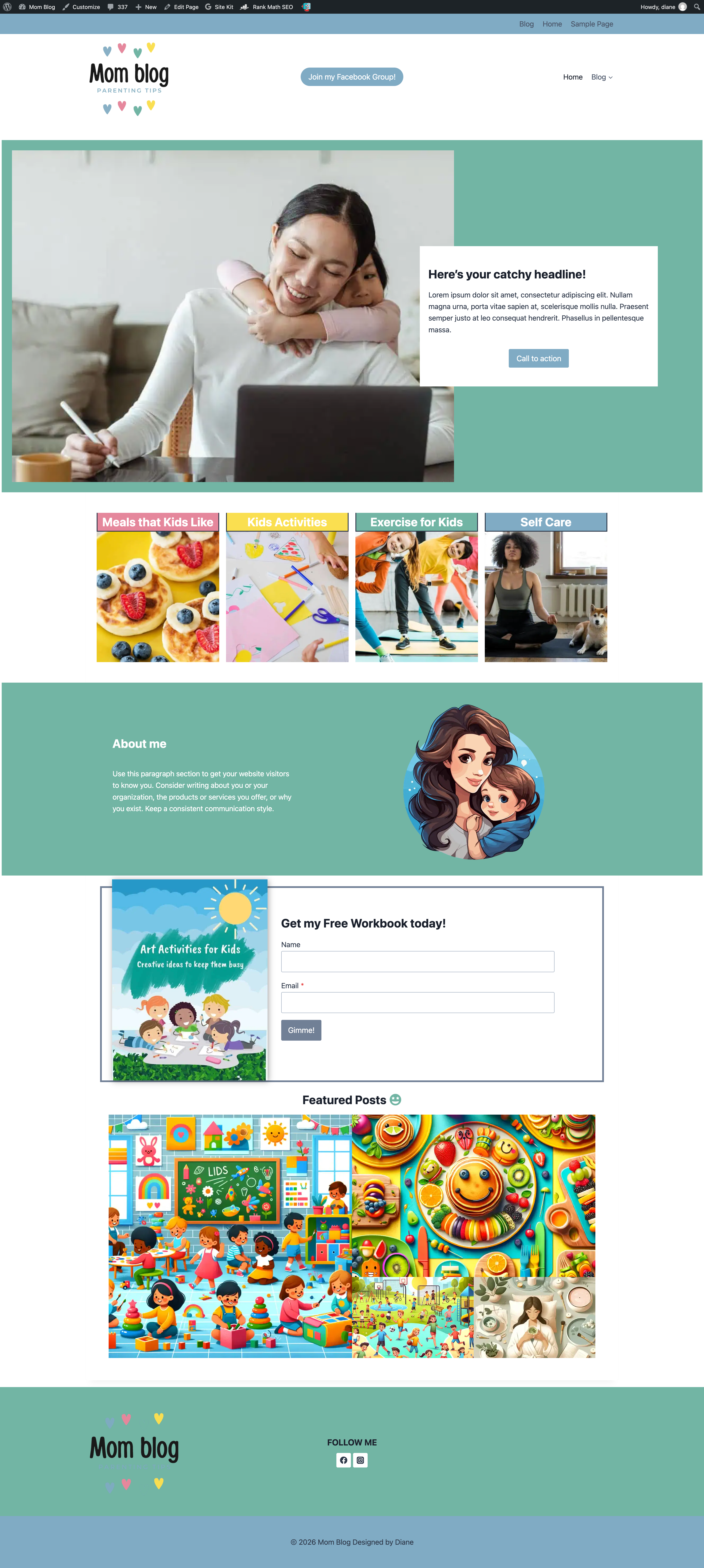
$9/ month
A monthly membership for your ongoing projects.
- WP Designs Kadence Library
- WP Designs, Money Page & Cash Cluster skills
- WordPress, SEO & Kadence tutorials
- Two Zoom meetings each month
Build pages you're proud to share. Create content that leads somewhere. Get help when you're stuck.
Your WordPress designs, guided AI skills, and real human support—all together in one Club.
Or $90/year. The library, skills, tutorials, and Zoom meetings are included.
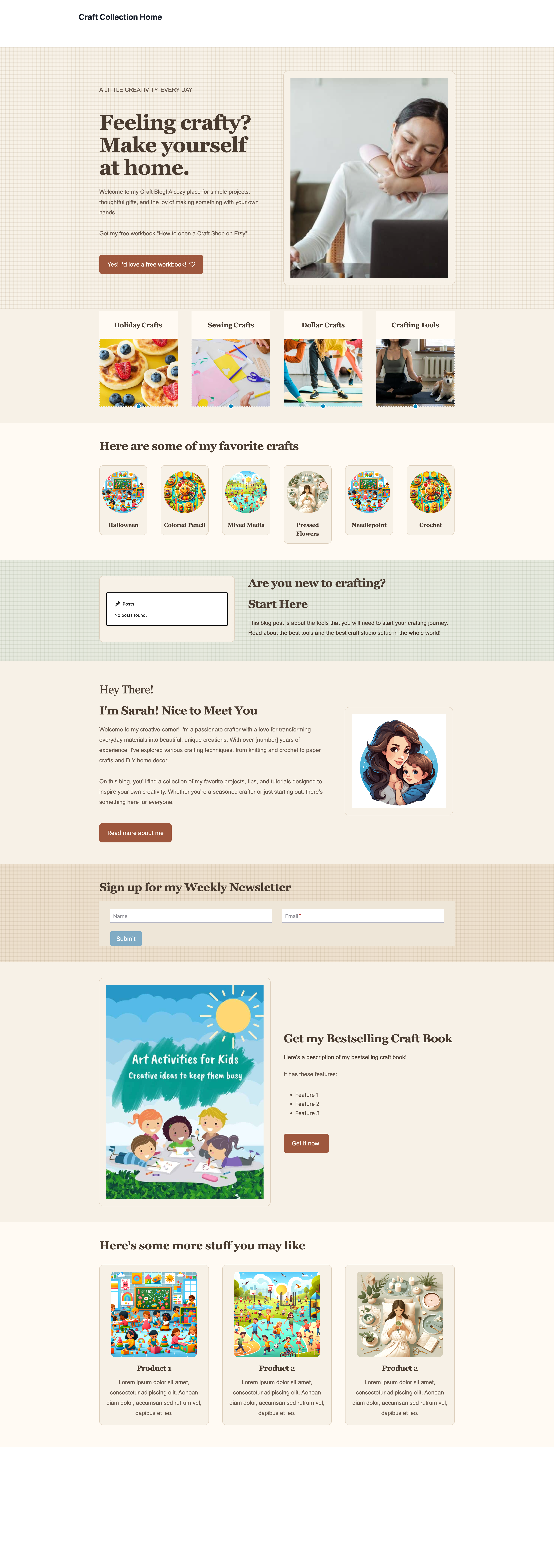
Actual before & after from Diane's WP Designs demonstration.
The unfinished page.You know what you want to say. The layout is another story.
The scattered recommendations.Your favorite products need a useful home on your site.
The helpful post.It's ready for a better design—and a clear next step.
Choose a project. There's a guided skill and a designed starting point to help you build it.
Choose a page or section from the WP Designs Kadence Library. Tell the skill about your business, then customize the words and design into a WordPress draft.
Your ideas belong on a page that feels like you.
Explore my favorites →Bring the products you actually use. The skill helps organize them around your readers, explain your recommendations, and build an affiliate-resource page.
Bring your article copy, including a video-derived article. Turn it into a designed WordPress post that connects readers to a relevant offer, recommendation, or lead magnet.
Find the supplies I used.
See my resources →Start with designed pages and sections, then shape them around your business. The library gives you the layout. The skills help you make it your own.
And because your pages use real Kadence blocks, you can come back to change a headline, swap an image, or add your next recommendation.
You don't need to rebuild everything this weekend. Start with the page or post that matters most right now.
A new page, a home for your recommendations, or a post ready for a better layout.
Use a library design and the matching skill. Bring your content and business knowledge. Review the draft.
Link your helpful content to relevant recommendations and offers. Keep improving as your site grows.
When WordPress gets confusing, you can bring the problem to the Club. Join Diane and other bloggers on Zoom to ask questions, get help, and keep moving.
And when you want to learn at your own pace, the tutorials are there for the project in front of you.
Ask questions about your website, content, SEO, and offers.
WordPress, SEO, Kadence, and Offer-First Blogging guidance.
A place to keep learning alongside others working on their sites.
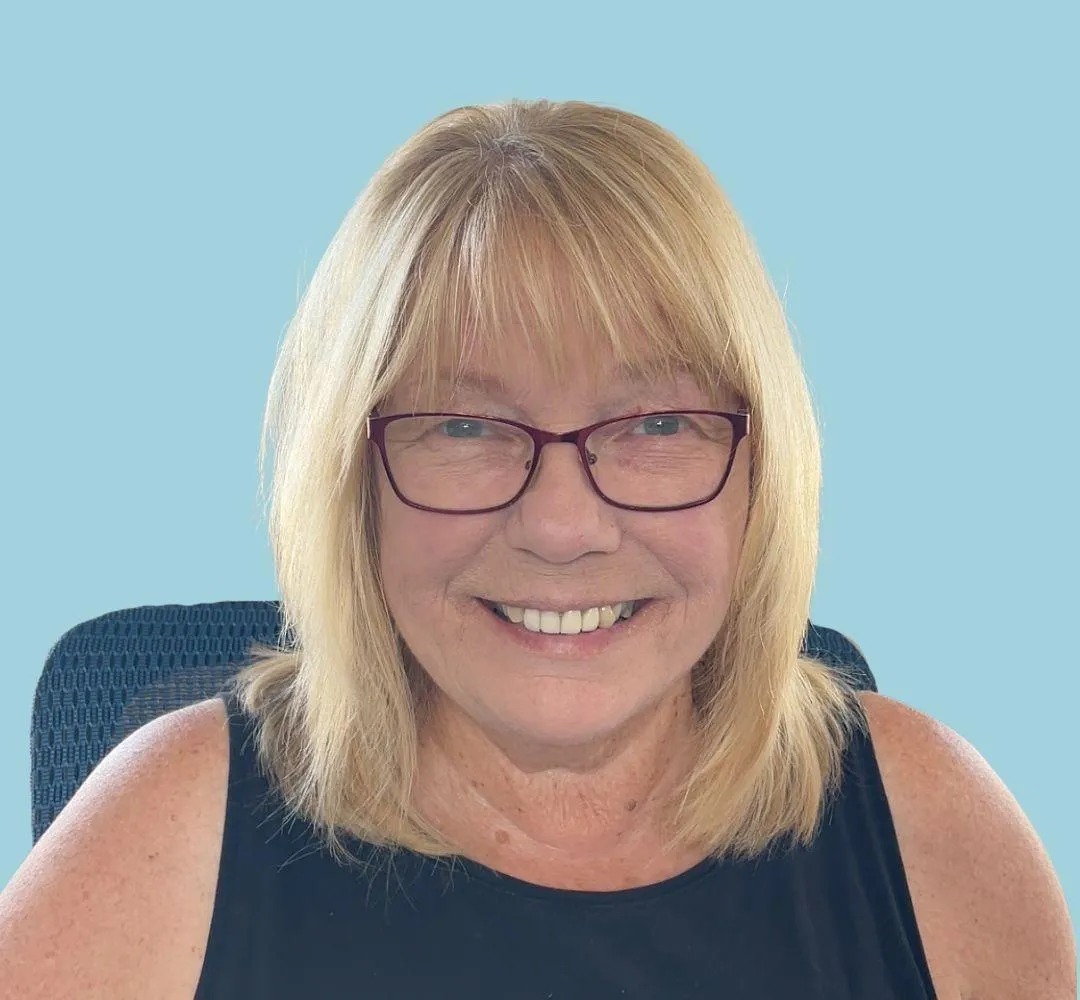
I run WP Basics Guide and help bloggers make sense of WordPress. I built this Club to bring the designs, tools, and guidance together—so you have somewhere to turn as you build your site and business.
A place for a video tour of the Club, the design library, and the resources waiting inside.
Video coming soon
The design library. All three guided skills. The tutorials. Two Zoom meetings every month. Choose the payment option that suits you.
A monthly membership for your ongoing projects.
Two months' worth of savings compared with monthly.
Choose your monthly or annual plan in the secure checkout on this page. WordPress hosting and your paid AI plan are separate from Club membership.
Start with what you want to build.
Learn the next piece as you go.
A WordPress website with Kadence Blocks and Club membership. The current WP Designs setup uses a paid ChatGPT plan; the free Kadence Blocks version is supported. Money Page also uses Pretty Links. Your AI subscription and hosting are separate.
The skills are one part of the membership. You also get the WP Designs Kadence Library, tutorials, and twice-monthly Zoom meetings. Start with the resources that fit your project.
Yes. The workflows use native WordPress and Kadence blocks and save an editable draft for review. You can keep changing the words, images, and layout in your editor.
A resources or recommendations page built around products you genuinely use. It organizes those recommendations for your readers, includes your reasons for recommending them, and uses verified Pretty Links for affiliate links.
There are two meetings each month where you can ask questions and get help with WordPress, SEO, blogging, and your offers alongside other Club members.
No. The tools and teaching help you build pages and content that support your business. Your results depend on your audience, traffic, offers, and how you use what you create.
Designs to build from. Skills to guide the work. A real person to ask when you're stuck.
Find your place in the Club ↗Seriously, it's less than a fancy coffee
per month
per year
2 MONTHS FREE!